


Profile & Settings
Profile & Settings
The Profile & Settings screen lets you manage your user information, customize the app and sign out. Access it from the avatar in the upper right corner of the main menu.
Path: Home → Avatar (upper right corner)
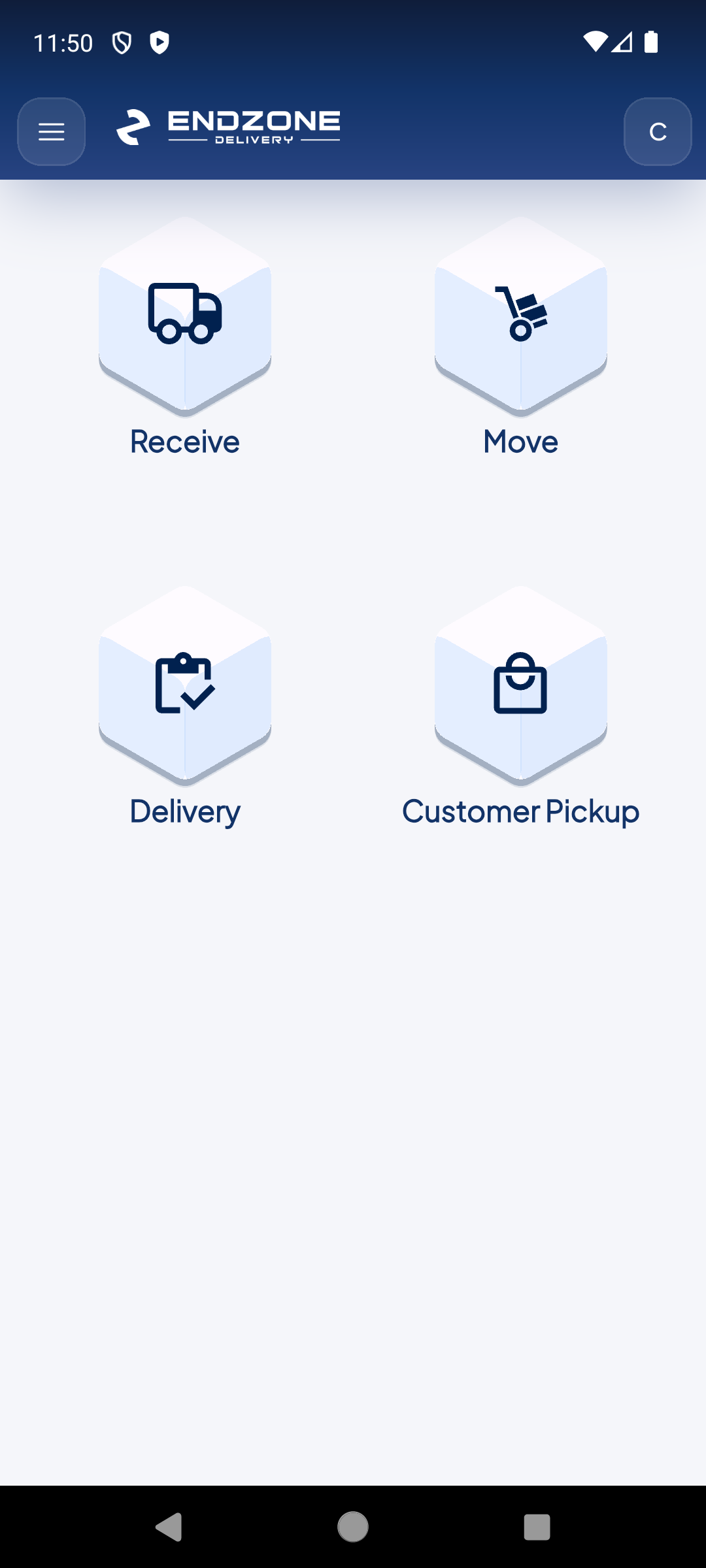
Tap the circle with your initial (avatar 'C') in the upper right corner of the main menu to open Profile & Settings.
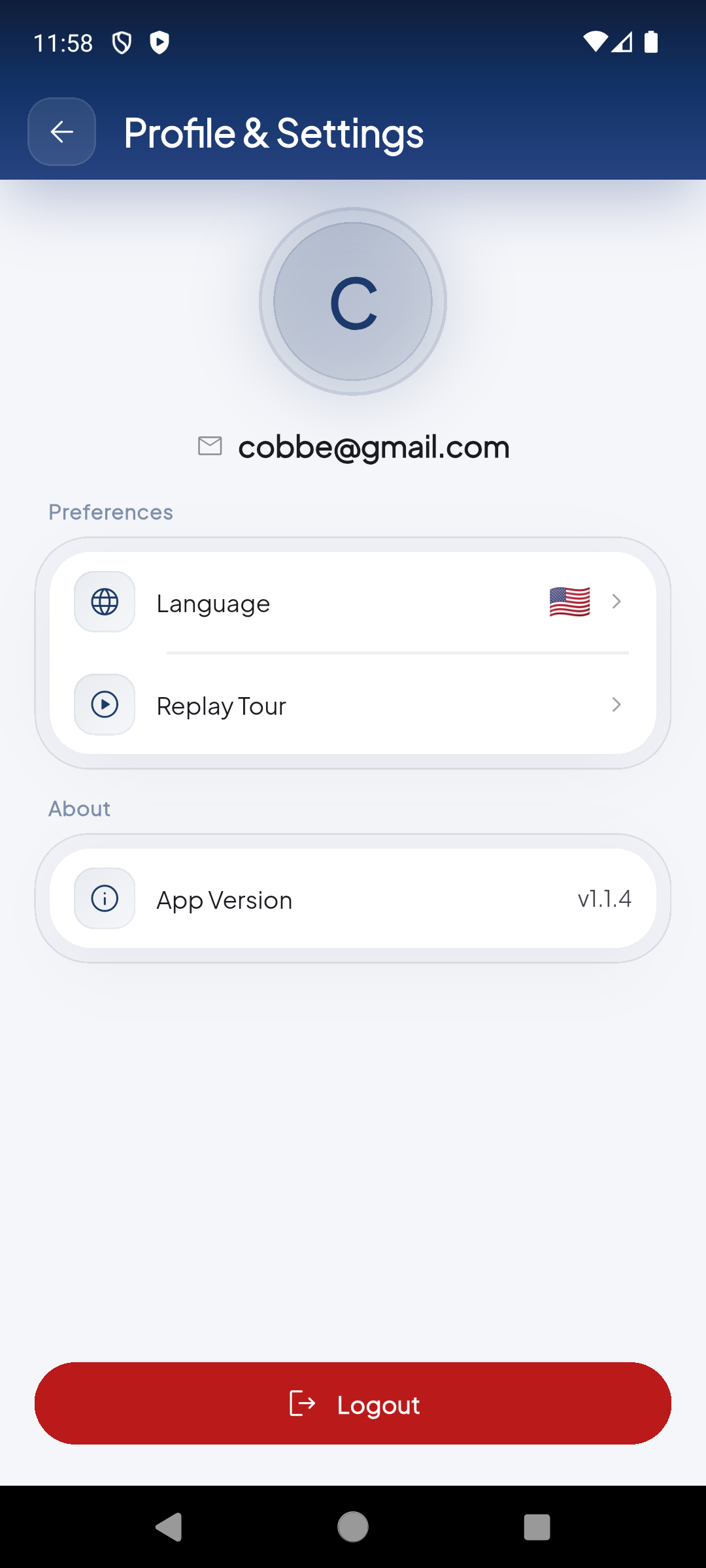
The Profile & Settings screen: your avatar, login email, app preferences and options.
Your large avatar with your name initial and your login email appear at the top of the screen.
Tap 'Language' to switch the app language between Spanish and English. The change applies immediately to the entire interface.
'Replay Tour' restarts the onboarding tutorial to view guided instructions for each module. 'App Version' shows the currently installed version.
The Logout button at the bottom signs you out and returns you to the login screen. Confirm any pending operations before signing out.
Demo completed!
Profile information
Section titled “Profile information”| Field | Description |
|---|---|
| Avatar | Circle with your name initial — tap it from Home to open settings |
| Your registered login email address for EndZone |
App preferences
Section titled “App preferences”| Option | Description |
|---|---|
| Language | Switch app language between Spanish and English — applies immediately |
| Replay Tour | Restart the guided onboarding tour to review instructions for each module |
App information
Section titled “App information”| Field | Current value |
|---|---|
| App Version | v1.1.4 |
Make sure you have the latest version installed from the App Store or Google Play to access all features and security fixes.
Sign out (Logout)
Section titled “Sign out (Logout)”Tap the Logout button at the bottom of the screen to:
- Sign out securely
- Return to the login screen
- Free the device for another user to log in
When signing out, any in-progress operations (scanned but unconfirmed packages, pending moves) will be lost. Confirm all your operations before logging out.
Quick access from Home
Section titled “Quick access from Home”You don’t need to go to Settings for the most common actions. From the main menu you have direct access:
| Action | How to access |
|---|---|
| Open settings | Tap the avatar (initial) in the upper right corner |
| Change language | Avatar → Language |
| View version | Avatar → App Version |
| Sign out | Avatar → Logout |