
 EN
 ES
Connect Your Systems to the Endzone Network
The Global Integration API lets external systems send orders and returns directly into EndZone Point. No manual import. Packages appear in the receive queue ready to scan.
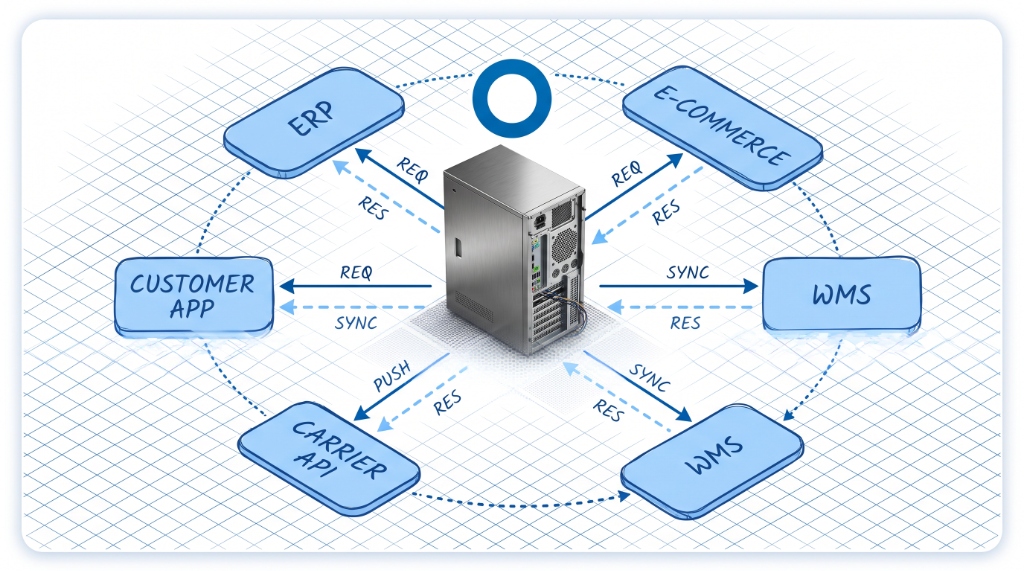
From Any System Into Your Warehouse
External orders and returns from marketplaces, carriers, or your OMS arrive via API and appear immediately as receivable packages.
External System Sends Data
Your marketplace, carrier platform, or order management system pushes order or return data to the API endpoint. The format is standardized — no custom transforms on your side.

Package Record Created
EndZone Point creates a package record with the tracking data attached. The record shows carrier, tracking number, order reference, and expected recipient — all pulled from the API payload.
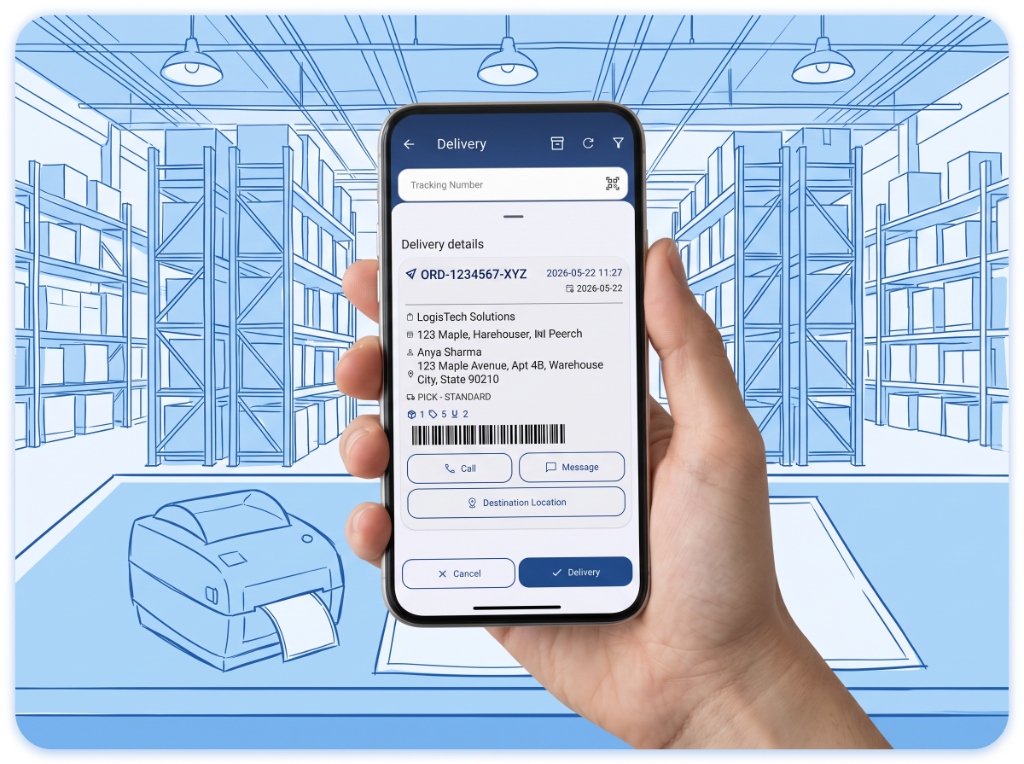
Scan and Receive
Warehouse operator scans and receives — no manual data entry. The package moves through the standard Receive workflow: scan, assign LPN, slot to storage.
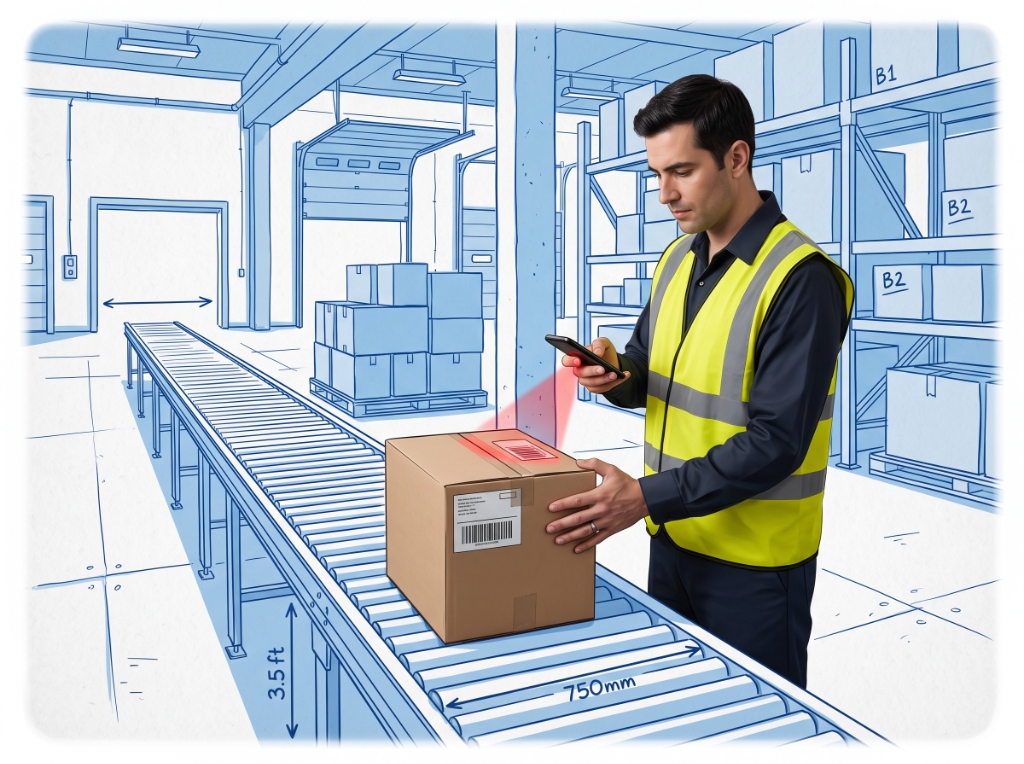
Built-In Connections Across Novacrest
Endzone works natively with other Novacrest platforms. Data flows between them without extra configuration.
Omniorders
Order data flows from Omniorders into EndZone Point as receivable packages. When a new order is confirmed in Omniorders, it arrives in the receive queue automatically.
Orders → receive queueBinlogic
Financial settlement data from every EndZone Point scan feeds into Binlogic. Automated COD handling and escrow trigger on verified delivery events — no manual reconciliation.
Scan events → settlement triggersXenvio
Carrier tracking numbers sync from Xenvio into the EndZone Point receive module. Operators see carrier data alongside the package record during intake.
Tracking numbers → receive moduleShelfter
Shelf slot assignments from Shelfter update storage locations in EndZone Point. When a slot is reserved or cleared in Shelfter, EndZone Point reflects the change in the Move workflow.
Slot assignments → storage locationsEVALUATE THE API
Evaluate the API for Your Setup
The team can walk through whether the API fits your current system and what the integration process looks like.